Why Choose
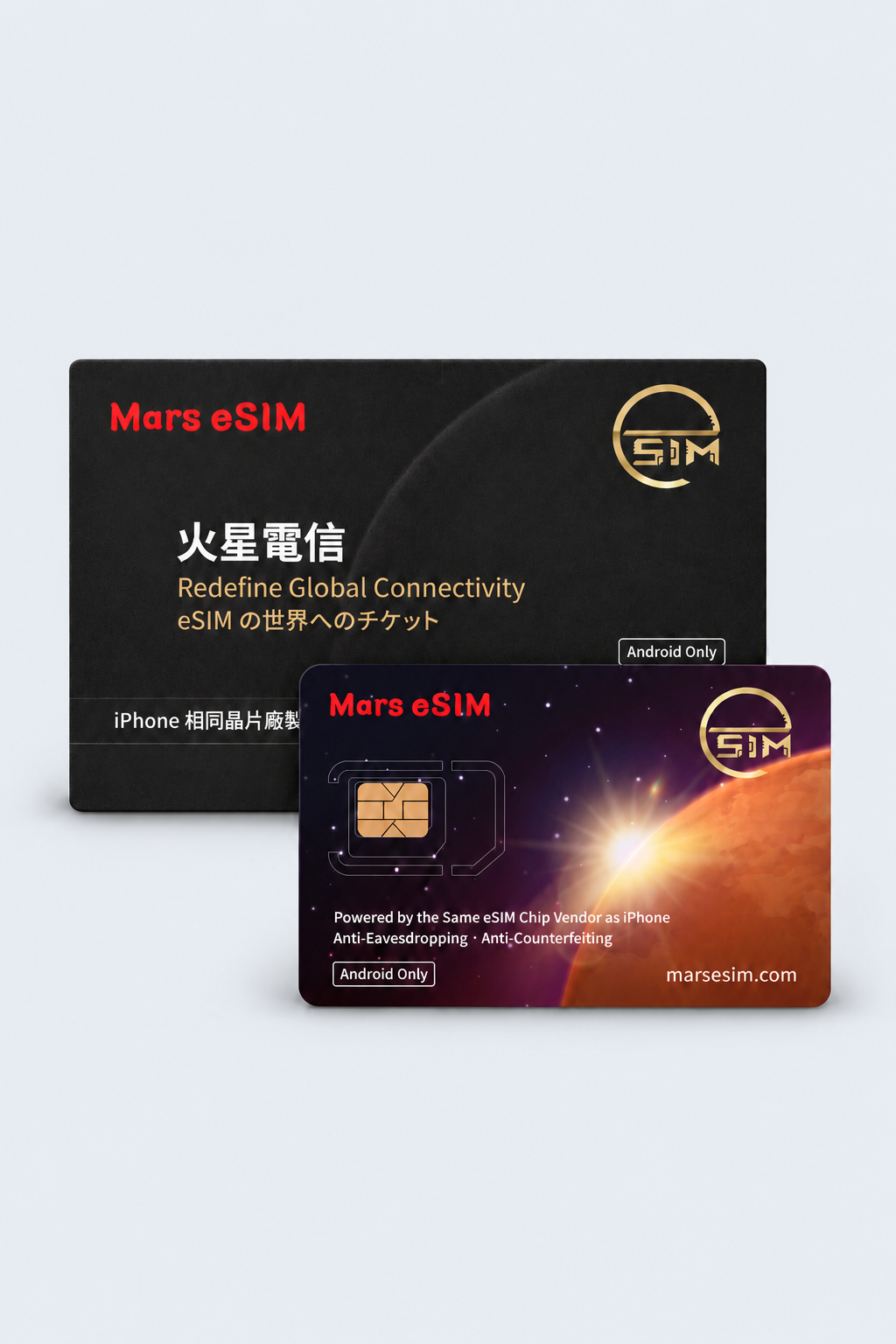
Mars eSIM Physical Card?

Designed for Android smartphones without built-in eSIM support,
allowing you to modernize your device instantly.
Simply insert the card to enjoy full eSIM functionality without the cost of a new phone.

Built for Androids without built-in eSIM support. Upgrade your device instantly without a new phone. Insert the card to enable full eSIM functionality.

How to Use Mars eSIM App?

View Full Setup Guide

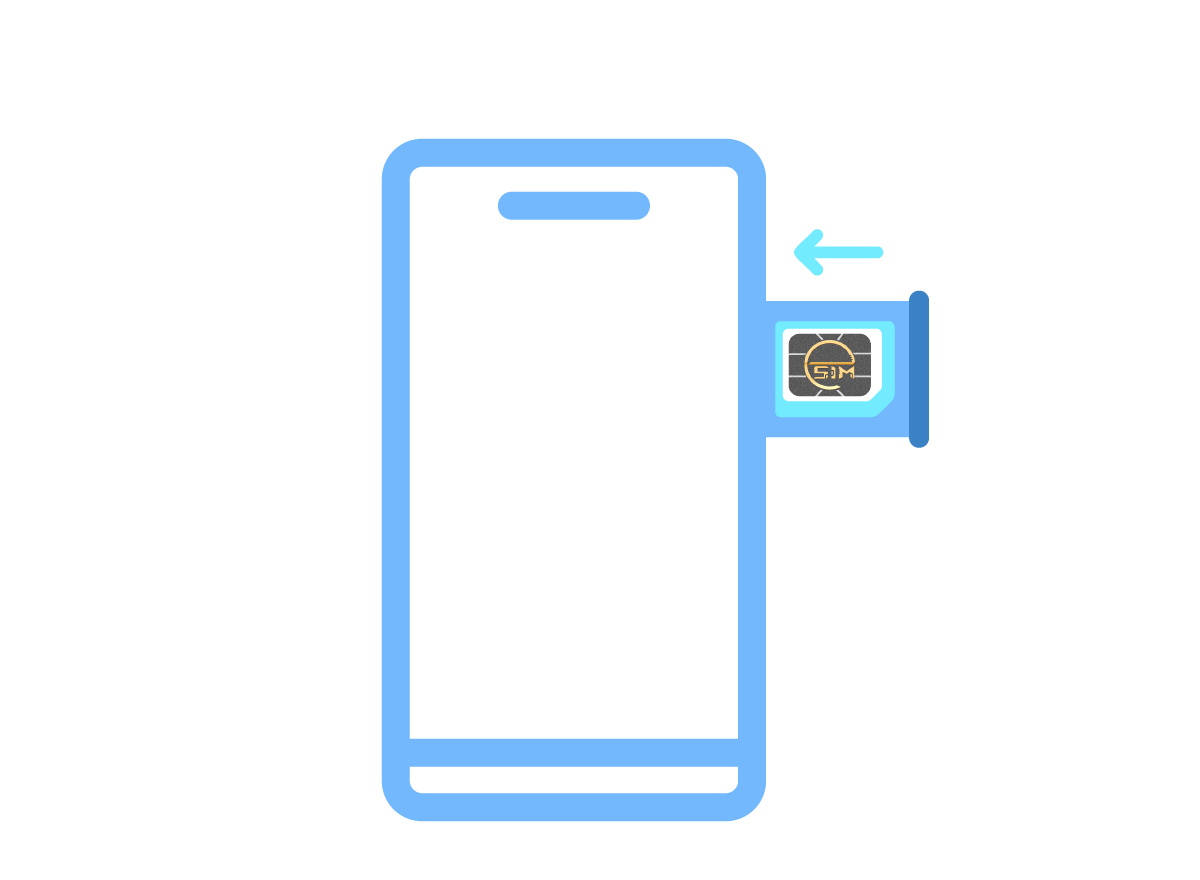
Step 1

Insert the Mars eSIM Physical Card into your phone's SIM slot.

Step 2

Download the Mars eSIM App from the Google Play Store and register your account.

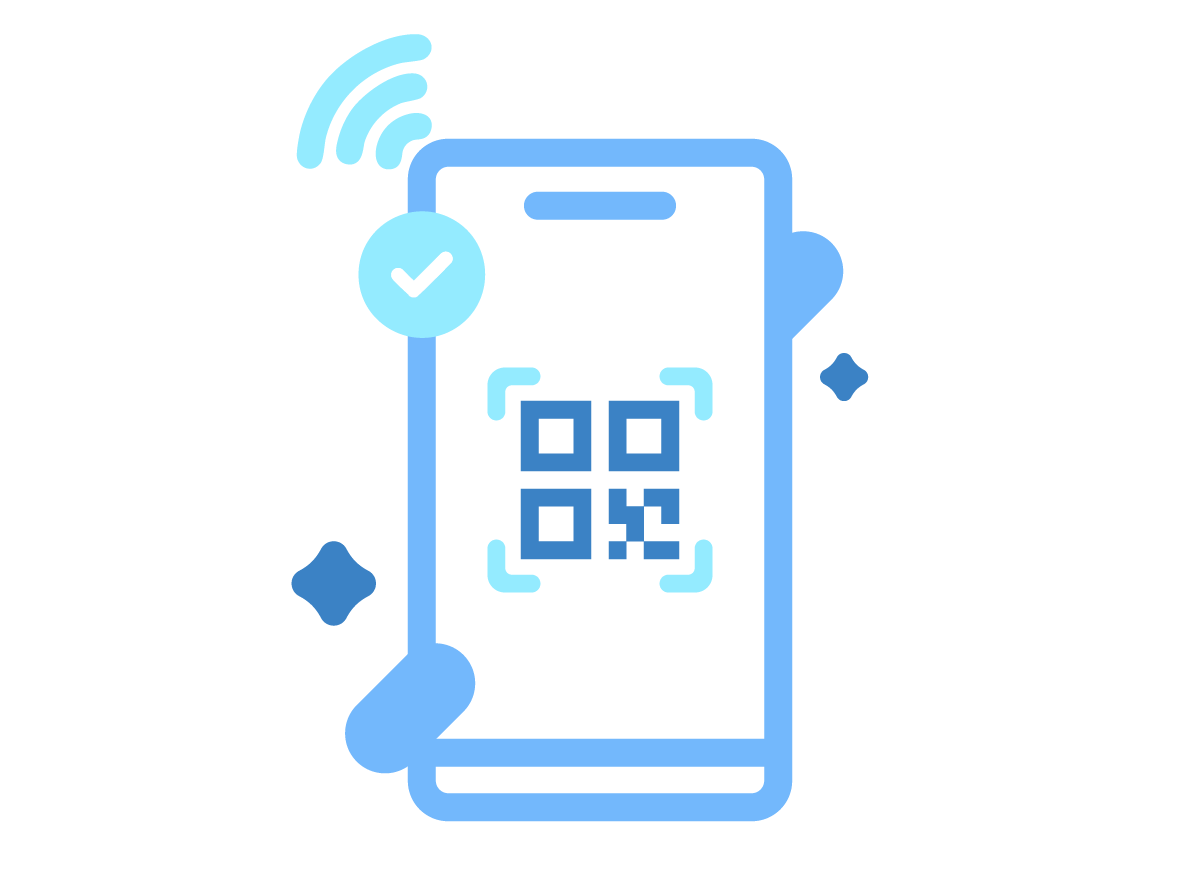
Step 3

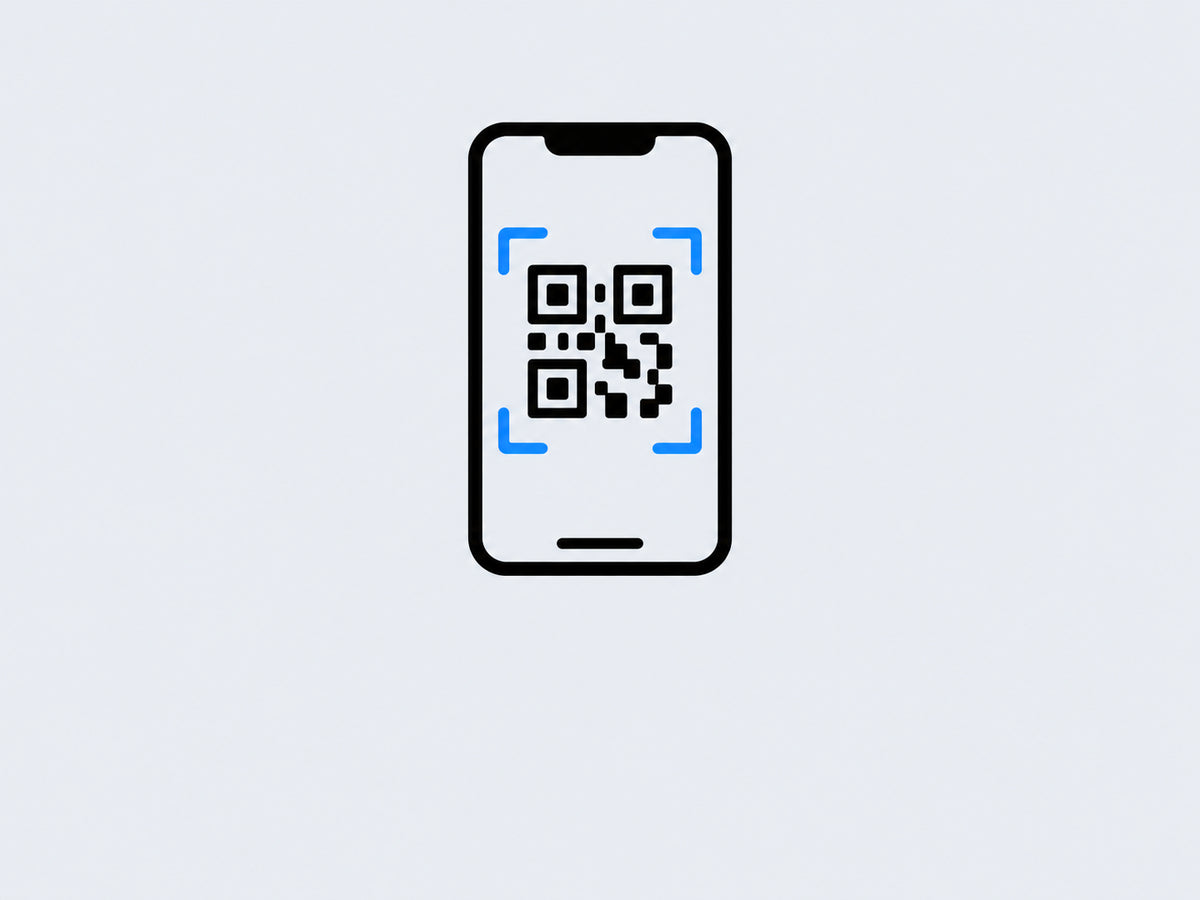
Scan the QR Code to download your eSIM, then activate it to start browsing.

Download Mars eSIM App

Mars eSIM app is currently supported on smartphones and tablets running Android 9 or later.

Mars eSIM App