

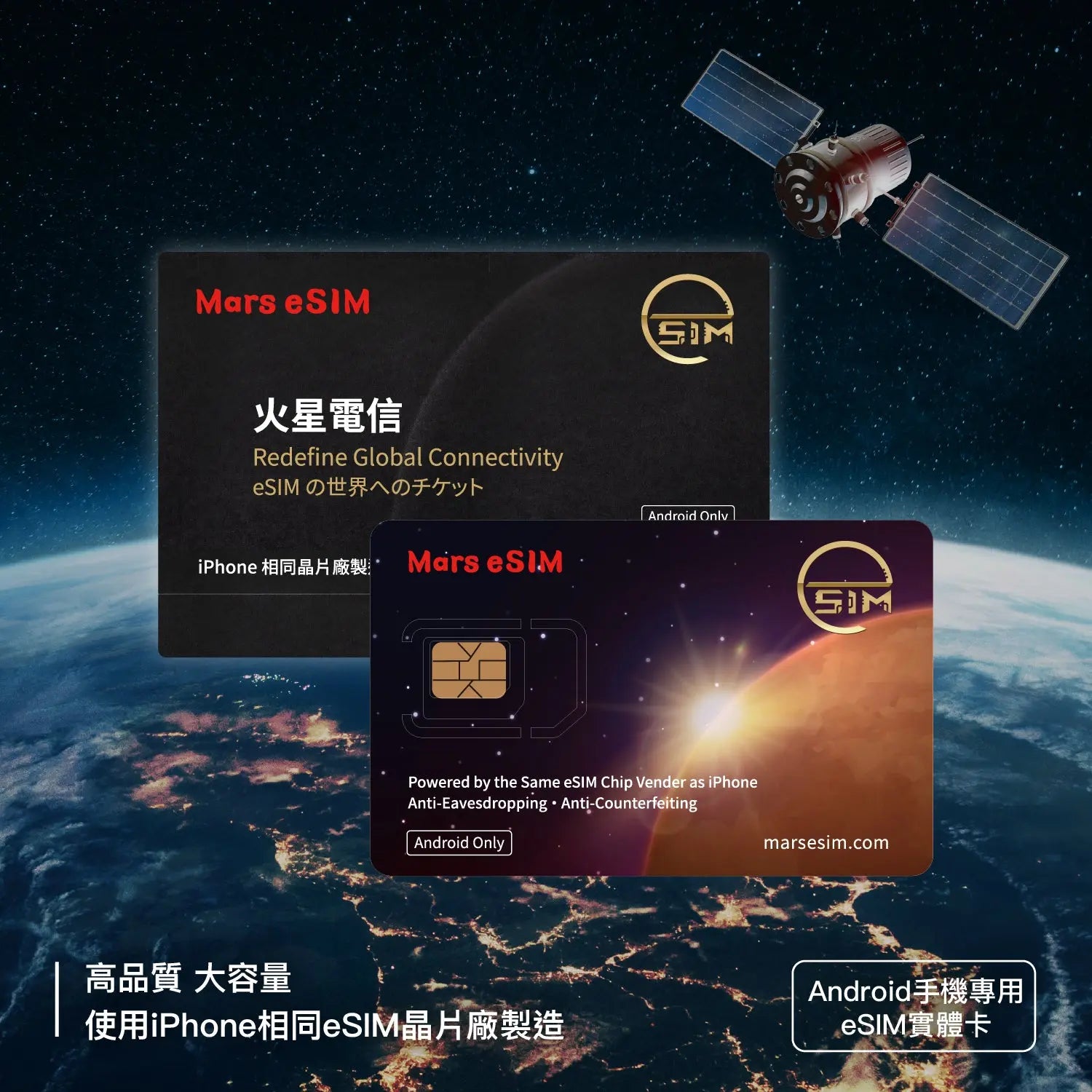
【Android】Mars eSIM Physical Card
Sale priceNT$358Regular price
NT$428
Important Notice: Currently, all devices purchased in Mainland China and those running Huawei HarmonyOS are not supported.
Purchase Notes
⚠️ Important Notice: At this stage, all mobile phone models purchased in Mainland China, as well as devices running Huawei HarmonyOS, are not supported.
• Please make sure your phone is running Android 9.0 or above before placing an order. Older system versions are not supported by this product.
• Before purchasing, please search for and try downloading the Mars eSIM App from the Google Play Store. If your device cannot find the App or shows “Your device is not compatible,” it means your device does not meet the hardware requirements. Please do not purchase.
• Please make sure your phone is not locked to a specific carrier and has no SIM Lock. Carrier-locked devices, such as some contract phones purchased overseas, are not supported.
• eSIM plans purchased from other platforms or providers may not be installable on the Mars eSIM Physical Card due to their own settings or restrictions. Before purchasing a third-party eSIM plan, please confirm with the platform or provider whether the plan supports installation through a third-party App or on the Mars eSIM Physical Card.
• This product is a physical eSIM card only and does not include any data plans. After receiving the card, you will need to purchase and install a plan separately through the Mars eSIM App before use.
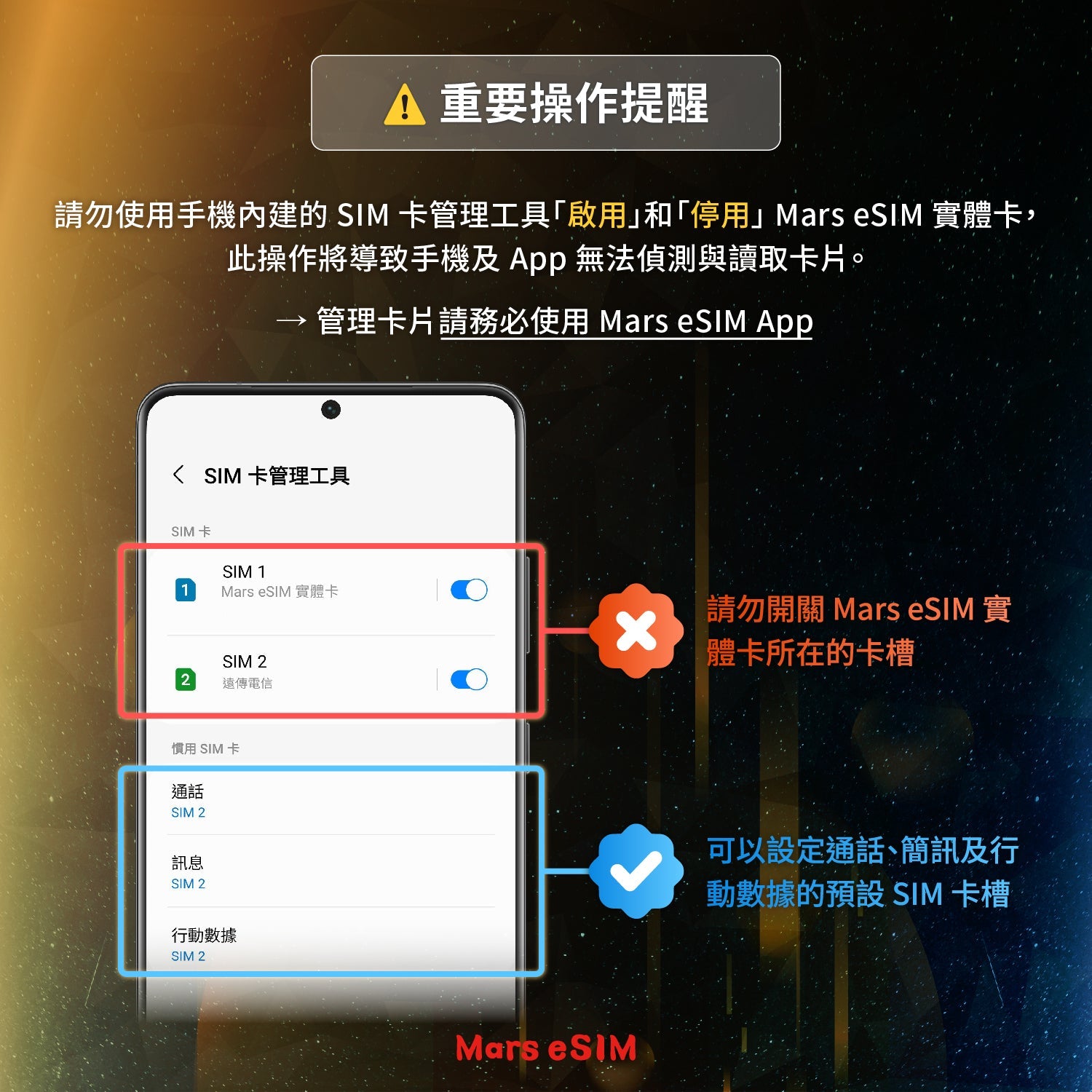
• Please DO NOT “Enable” or “Disable” the Mars eSIM physical card through your phone’s built-in SIM card manager. Doing so may prevent both your phone and the App from detecting or reading the card.
• This product must be inserted into a physical SIM card slot. If your phone only has one physical SIM slot and you wish to keep using your original phone number, please contact your carrier to convert your original physical SIM card to an eSIM first, so the physical SIM slot can be used for this product.
• If your phone supports dual SIM, please note that two Mars eSIM physical cards cannot be installed in the same phone at the same time. Each device can only detect and operate one Mars eSIM physical card at a time.
Return and Refund Policy
7-Day Cooling-off Period Notice
In accordance with the "Consumer Protection Act," this product is entitled to a 7-day cooling-off period (inspection period) starting from the day after receipt. Please note that the cooling-off period is not a trial period; it is only for you to inspect whether the product's outer packaging, appearance, and specifications meet your needs.
Return Restrictions and Conditions
Products applied for return must remain in brand-new condition with complete packaging. If any of the following conditions occur, your return rights will be affected:
• The product seal has been removed, or the SIM card has been detached from the holder (card peeling).
• The packaging is damaged or lost.
Special Refund Restrictions for Data Plans
If, after the product is returned, the technical backend verifies that the data plan has been activated or shows usage records, the plan will be considered consumed even if the physical packaging is intact. In this case:
• Refunds will only be issued for the Mars eSIM physical card.
• Fees for the data plan will not be refunded.
• The maximum total refund amount is the total amount of the order.
Defective Product Handling
If non-human factor damage is discovered within seven days of receipt (e.g., obvious appearance defects, chip unreadable), please contact customer service immediately. Once determined to be a product defect, we will provide a free replacement service.
Return Procedure
Please contact customer service first to obtain return authorization.
1. Return the product: Please send the product back to the designated address within seven days of obtaining consent. Be sure to use a trackable shipping method (such as registered mail, courier, or convenience store shipping) and pack it properly to avoid damage during transit.
2. Late applications will not be accepted: If the product is not sent back within seven days after the return is approved, the return application will no longer be accepted.
Refund Process
After receiving the returned product and confirming that it meets the conditions, we will complete the credit card refund or payment refund procedure within 7-14 business days. Please pay attention to the refund notification or billing information from your issuing bank afterward.
If you have any questions, you are always welcome to contact us. We'll get back to you as soon as possible, within 24 hours on weekdays.
-
Shipping Information
Use this text to answer questions in as much detail as possible for your customers.
-
Customer Support
Use this text to answer questions in as much detail as possible for your customers.
-
FAQ’s
Use this text to answer questions in as much detail as possible for your customers.
-
Contact Us
Use this text to answer questions in as much detail as possible for your customers.
Product Specifications
Size
9.2 cm x 6 cm
System Compatibility
- System Requirements: Supports Android 9.0 or higher.
- Hardware Restrictions: Compatible with Android devices equipped with a physical SIM slot.
Does not support carrier-locked devices (SIM-locked).
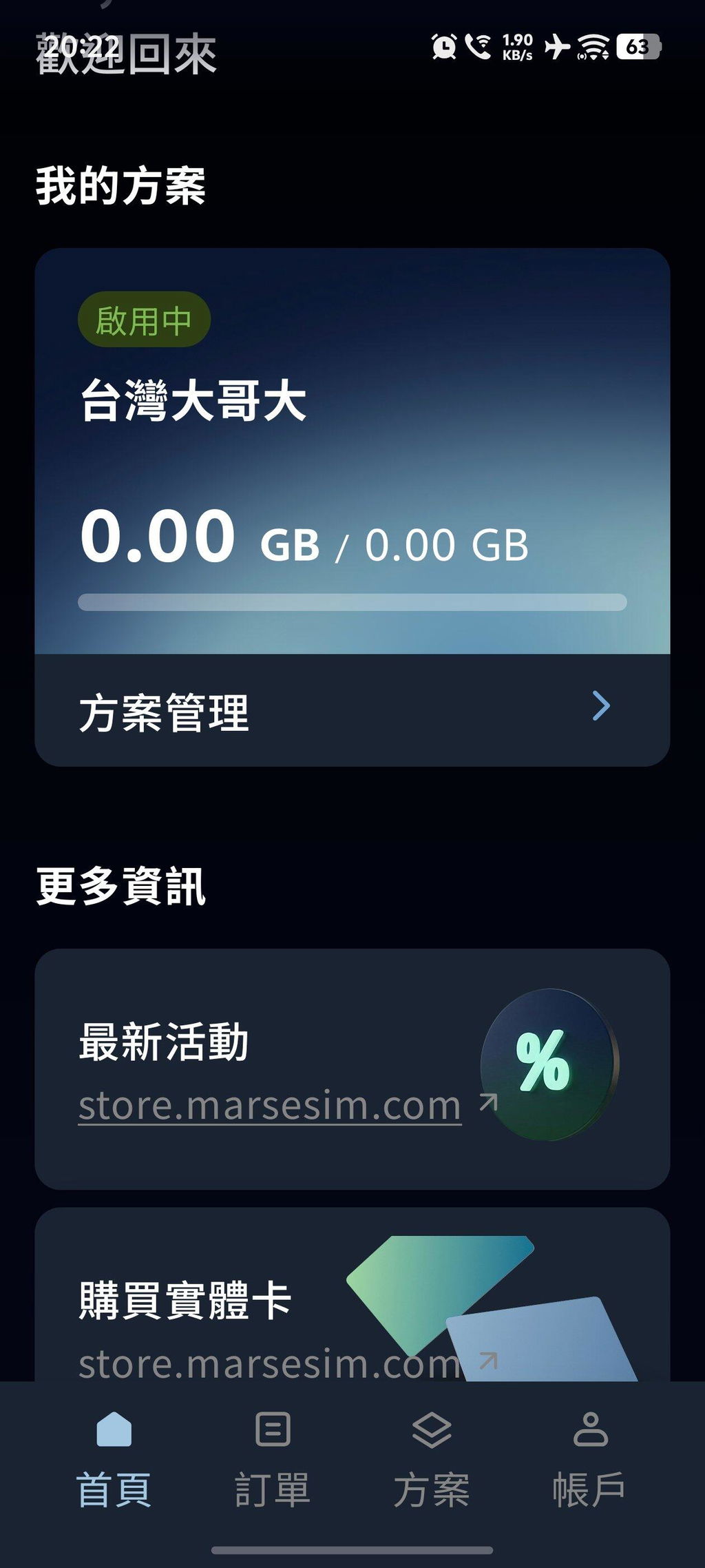
- Management Tool: Must be used with the exclusive Mars eSIM App for downloading and switching data plans.
⚠️ Important Notice: Currently, all devices purchased in Mainland China and those running Huawei HarmonyOS are not supported.
eSIM Download Limits
Unlimited eSIM downloads
Storage
Store up to 10 plans (depending on actual file size)
Offline Management
Support for offline activation and deactivation



FAQs
Need More Info? Visit Our FAQ.
What is the difference between a Mars eSIM Card and a standard SIM card?
Physically, they look identical and fit into the same SIM slot. The difference lies in their function: a standard SIM card is pre-linked to a specific carrier and data plan, whereas the Mars eSIM Card is a physical bridge that enables eSIM capabilities on your device. It arrives blank, allowing you to install and switch between international eSIM plans via an app. This effectively brings eSIM functionality to Android phones that don't natively support it.
Does this card come with a pre-loaded data plan?
No. The Mars eSIM Card provides the eSIM functionality only and does not include any pre-installed data plans. After receiving the card, you will need to purchase a plan from the Mars eSIM Store or scan an eSIM QR Code provided by another carrier to install it. You will be able to access the internet once the plan is activated.
Do I have to use the Mars eSIM App with the Mars eSIM Physical Card?
Yes. To ensure the best user experience, please use the Mars eSIM App to manage your plans. We strongly recommend avoiding your phone’s built-in eSIM management tools to prevent potential compatibility issues. You can download the Mars eSIM App for free from the Google Play Store to easily manage multiple eSIM profiles.
Can I use it with an iPhone or iPad?
It is not recommended at this time. The core functions of the Mars eSIM—such as downloading and managing eSIM plans—must be performed through our dedicated Android App. Currently, iOS devices do not support this app, making it impossible to install or manage plans on an iPhone or iPad.
My phone has dual SIM slots. Can I use two Mars eSIM Cards at the same time?
• Each phone currently supports the installation of only one Mars eSIM physical card.
• The Mars eSIM physical card can store 8 to 10 different eSIM data plans.
• Whether for business or travel, you can switch plans anytime via the app without the need to swap physical cards.
What happens to my original number if my phone only has one SIM slot?
Since the Mars eSIM Card occupies the physical SIM slot, you will need to free it up to use our service. If you wish to keep your original number for calls, we recommend converting your primary number into an eSIM through your current carrier. (Many carriers offer the first conversion for free). Once the slot is empty, you can insert the Mars eSIM Card and enjoy its benefits.