



High-Speed Internet

Hotspot Sharing

Delivery Time

APN
• Before purchasing, please ensure your device supports eSIM. No refunds will be issued if the eSIM cannot be used due to unsupported devices. See FAQ for more details.
• This is a digital product. Once the order is confirmed, the eSIM QR Code will be sent via email and cannot be retracted. Therefore, cancellation, modification, or refunds are not allowed under consumer protection law. See FAQ for full details.
• The eSIM QR Code will be sent immediately of purchase. If you don’t receive the email or need urgent access, please contact our official LINE customer service.
• If you're unable to connect after arriving at your destination, please contact us immediately using airport/hotel Wi-Fi. Refund requests will not be accepted without prior contact.
• This product does not support data top-ups. If you run out of data, please place a new order.
• No refunds will be given for service issues caused by factors beyond our control, such as signal coverage, distance from base stations, interference, weather, or device limitations.
• eSIM is a virtual SIM card. The activation email will be sent immediately after purchase. Please activate within 90 days, or it will expire.
• You must be connected to a stable internet connection to install eSIM.
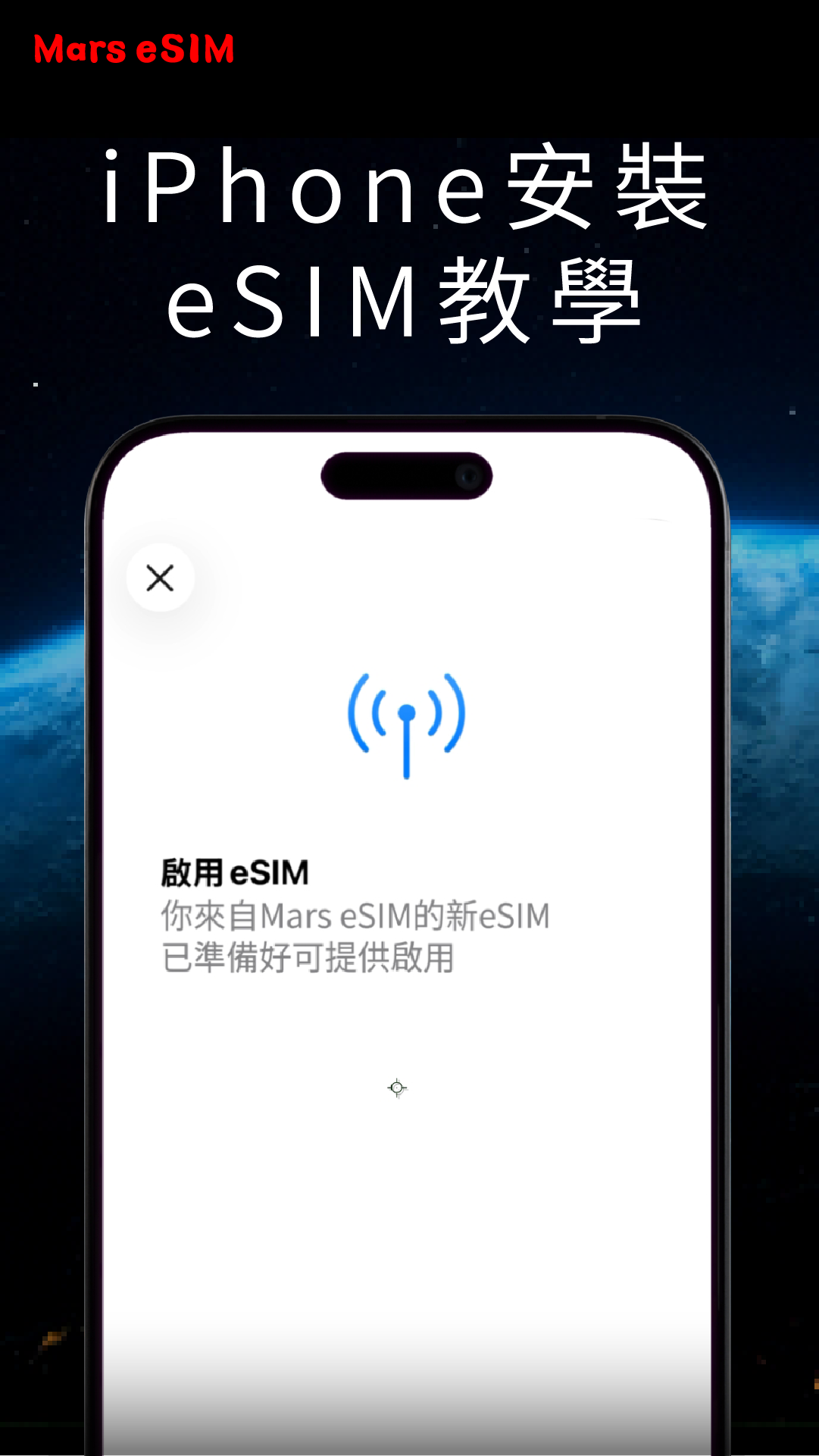
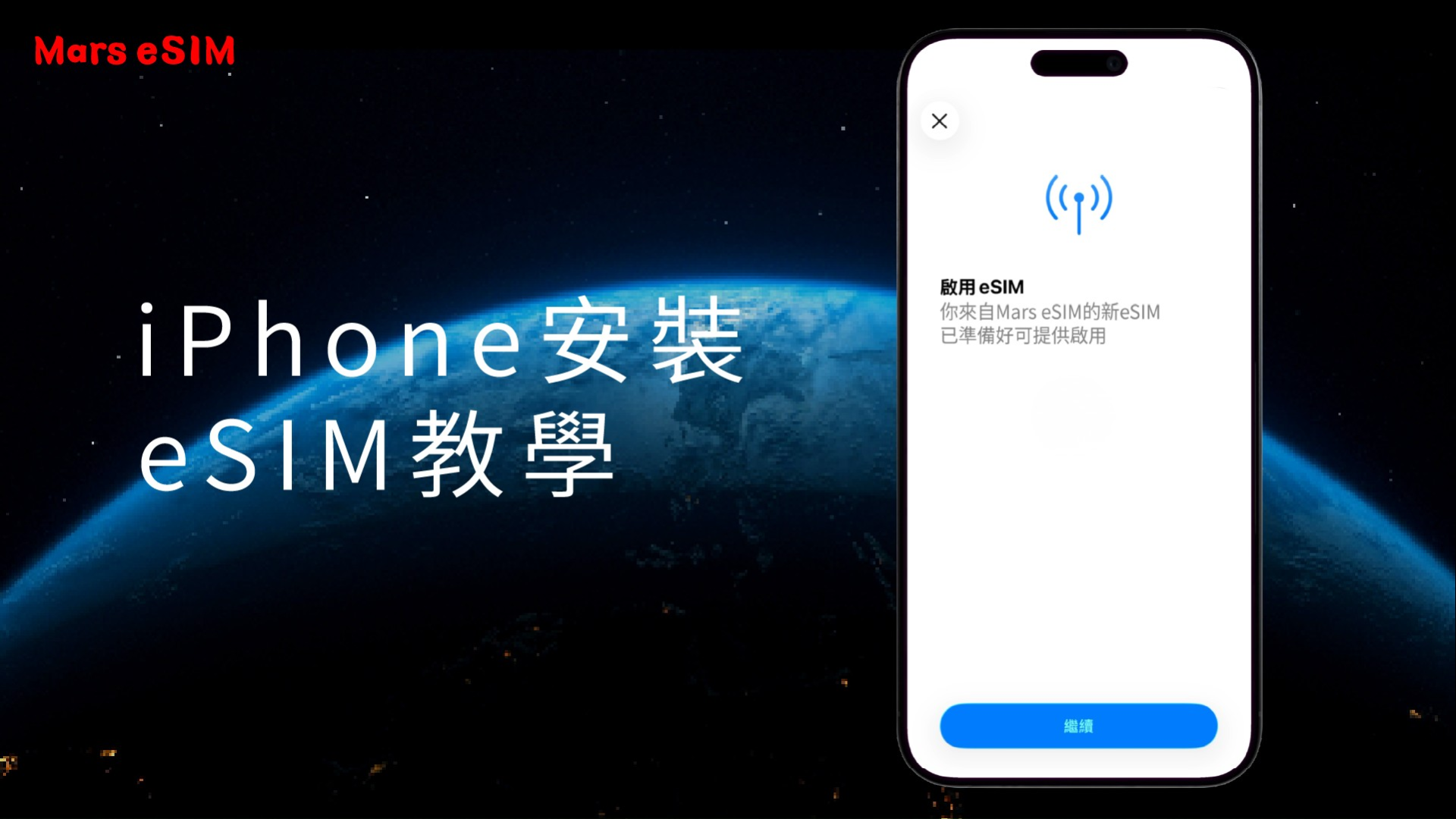
• Once you scan and install the eSIM QR Code, the plan period starts. We recommend scanning it on the day of departure in Taiwan or using free Wi-Fi at your destination. See Installation Guide.
• Usage is calculated by calendar day, ending at 23:59 (UTC+8 Taiwan time).
(e.g. If a 3-day plan is activated at 22:00 on April 1, the first day ends at 23:59 on April 1. The plan expires at 23:59 on April 3.)
• Each eSIM can only be installed on one device. Once scanned, the QR Code cannot be used again or transferred. Deleted profiles cannot be recovered, so do not delete them.
This product supports internet access in China without the need for a VPN. Once activated, you can use LINE, Facebook, Instagram, Google, YouTube, Netflix, and other platforms without firewall restrictions. (ChatGPT and TikTok are not supported.)
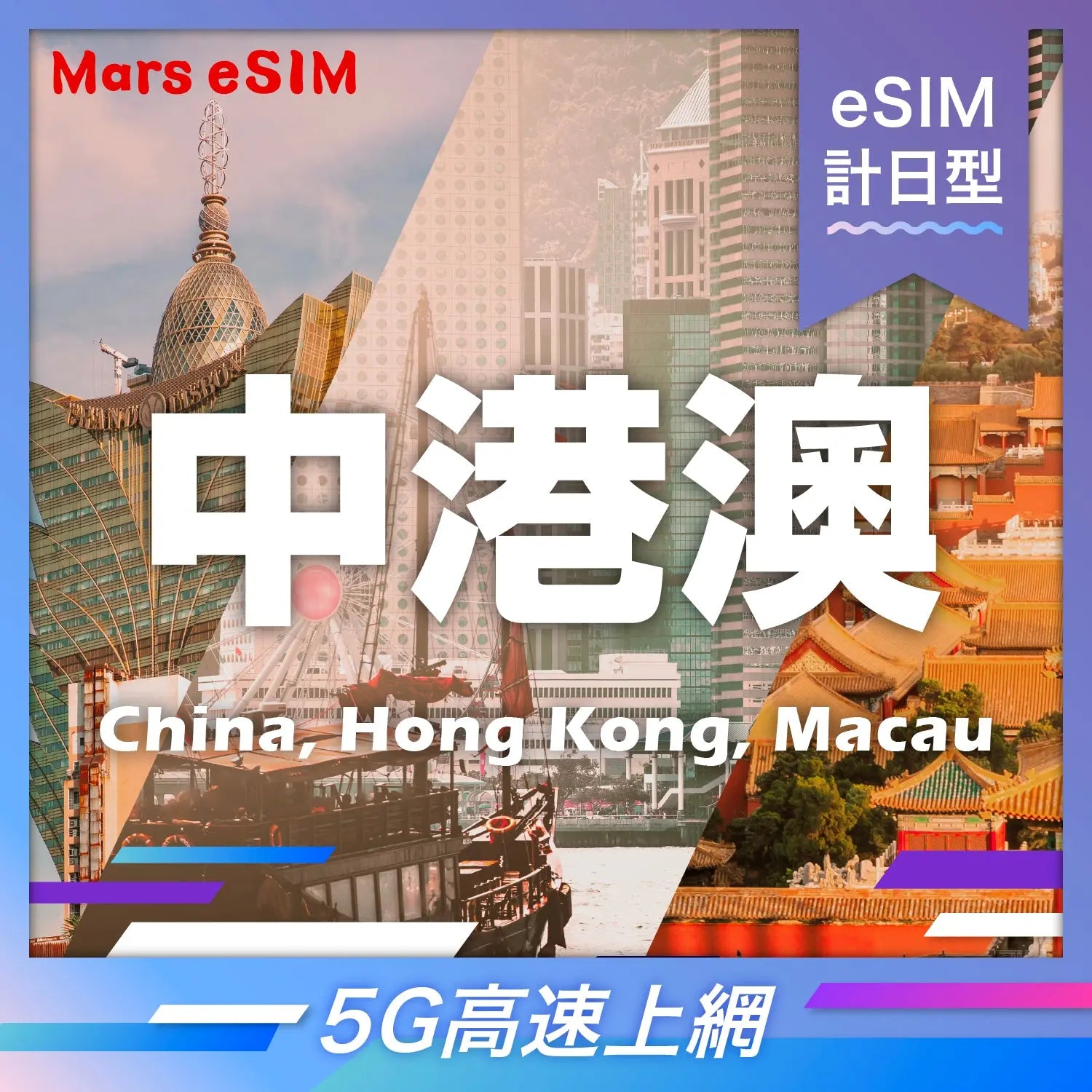
• Region: China, Hong Kong, Macau
(Network performance may vary based on location, terrain, building obstructions, user traffic, and weather conditions.)
• Usage Duration: 3 days, 4 days, 5 days, 6 days, 7 days, 8 days, 9 days, 10 days
• Data Options: 2GB/Day
(After the daily high-speed data is used up, the speed will be reduced to 128kbps and will reset each day at 11:59 PM, UTC+8 Taiwan Time.)
• Plan Activation: By calendar day, ending at 23:59 (UTC+8 Taiwan time).
(For example: If you purchase a 3-day eSIM plan and activate it on April 1st at 10:00 PM, the first day will end at 11:59 PM on the same day. The plan will expire at 11:59 PM on April 3rd.)
• Network: 5G
(The network may automatically switch to 4G depending on local signal quality)
• Carrier: China Union
See Global Mobile Network Operators List for more details.
• APN: Automatic
(If you have custom APN settings, please reset to auto.)
• Voice/SMS: Not supported (Only supports app-based calls, e.g., LINE)
• Hotspot: Supported
(Hotspot capability depends on device model and may be subject to FUP restrictions.)
• Fair Usage Policy (FUP): To maintain overall network quality, local telecom operators may enforce Fair Usage Policy (FUP). This policy is designed to prevent individual users from consuming excessive bandwidth over a short period of time. If your data usage exceeds the carrier’s fair usage threshold, your connection speed may be temporarily reduced to ensure stable and fair access for all users on the network.
If you have any questions, you are always welcome to contact us. We'll get back to you as soon as possible, within 24 hours on weekdays.
Shipping Information
Use this text to answer questions in as much detail as possible for your customers.
Customer Support
Use this text to answer questions in as much detail as possible for your customers.
FAQ’s
Use this text to answer questions in as much detail as possible for your customers.
Contact Us
Use this text to answer questions in as much detail as possible for your customers.
Need More Info? Visit Our FAQ.
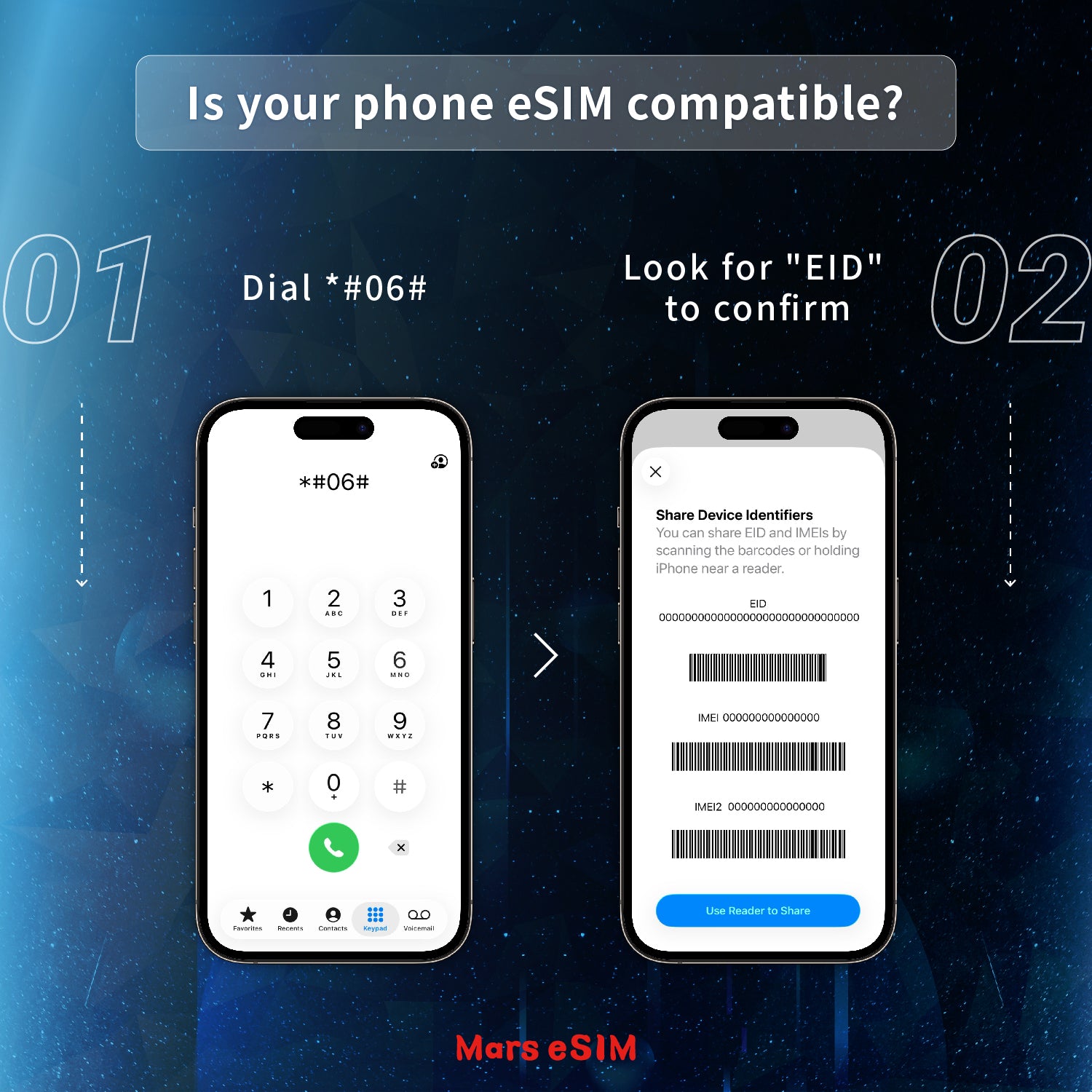
Please verify your device's compatibility before purchasing. You can check using the following methods:
For iPhone Users: Before activating your eSIM, go to Settings > Cellular. Scroll to the bottom and tap "Reset Statistics." You can then monitor your usage under "Current Period" in the "Cellular Data" section.
For Android Users: You can typically view your daily or total data usage under the "Network & Internet" or "Data Usage" section within your phone's Settings.
• Light Users: For messaging and basic web browsing. 1GB per day is typically sufficient.
• Active Users: For navigation (Google Maps) and uploading photos to social media. We recommend 2GB per day.
• Heavy Users: For video streaming, remote work, or high-volume data needs. We suggest 3GB+ per day or an Unlimited Plan.
When your speed is limited to 128kbps, you can still send and receive text-based emails and messages (such as text on LINE or WhatsApp). However, browsing websites or using social media will be significantly slower, and loading content will require more time.